





PDF files have become an integral part of our professional as well as personal lives. We use it to store important documents, reports, articles, and even books. However, the downside of PDF files is their size, especially when you want to share them over email or via any other online platform. Large PDF files can be time-consuming and challenging to share. But, don’t worry, in this article, we will guide you through the process of compress file to 500kb.
Before we dive into the process of compressing PDF files, let’s first understand what it means to compress a PDF file. When you compress a PDF file, it reduces the size of the file without affecting the quality of the content. You can compact the PDF file by removing any redundant or unnecessary information such as images, fonts, and metadata. By compressing the file, you can make it easier to share and save space on your device or cloud storage.
There are various ways to compress a PDF file that can come in handy, depending on the source of the file and the tools you have at hand. Here are some methods to compress PDF files:
Method 1: Compress PDF Files Online
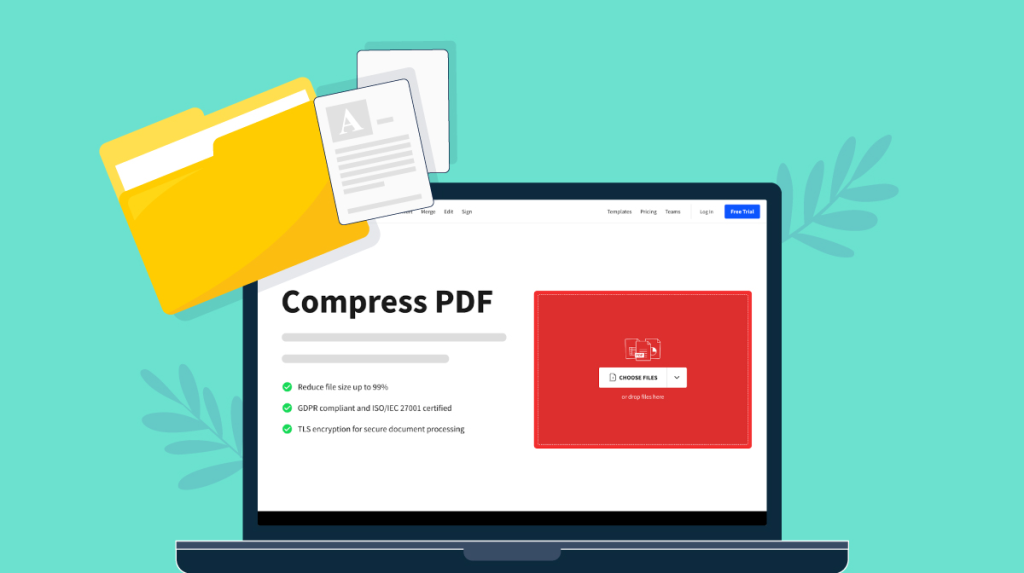
One effortless way of compressing a PDF file is to use an online tool; there are various free online tools available for this. One of these tools is Smallpdf, which is user-friendly and can compress a file in no time. You can visit the website and upload the PDF file, select the compression level, and voila! The compressed file is ready to download.
Method 2: Use Adobe Acrobat Pro DC
Adobe Acrobat Pro DC is a professional tool that can help compress PDF files while maintaining the quality of the content. It is a subscription-based service that provides various PDF-related functionalities. Once you have subscribed, open the PDF file, go to the “File” menu, select “Save As Other,” then select “Reduced Size PDF.” You can select the compression level, and the optimized PDF file will be saved to the desired location.
Method 3: Use Mac Preview
Mac Preview is a built-in application that comes with every Mac, and it also has functionality to compress the PDF file. Open the PDF file on your Mac device, select the “File” menu, then select the “Export” option. Under the “Quartz Filter,” select “Reduce File Size,” and the compressed PDF file will be ready to save.
Method 4: Use Microsoft Word
You can also use Microsoft Word to compress a PDF file. Open Microsoft Word, go to the “Insert” tab, select “Object,” then select “Create from File.” Browse the PDF file and then select “Compress Pictures.” You can choose the level of compression you want, and save the PDF file.
In conclusion, compressing PDF files can save you time and storage space, making it easier to share important documents. As outlined in this article, there are numerous ways to compress PDF files, including online tools like Smallpdf, Adobe Acrobat Pro DC, Mac Preview, and even Microsoft Word. Use the one that works best for you based on the source and the tools you have at hand. Regardless of which tool you choose, always make sure to preview the file before sharing it to ensure that the quality is not compromised. Happy file compressing!