





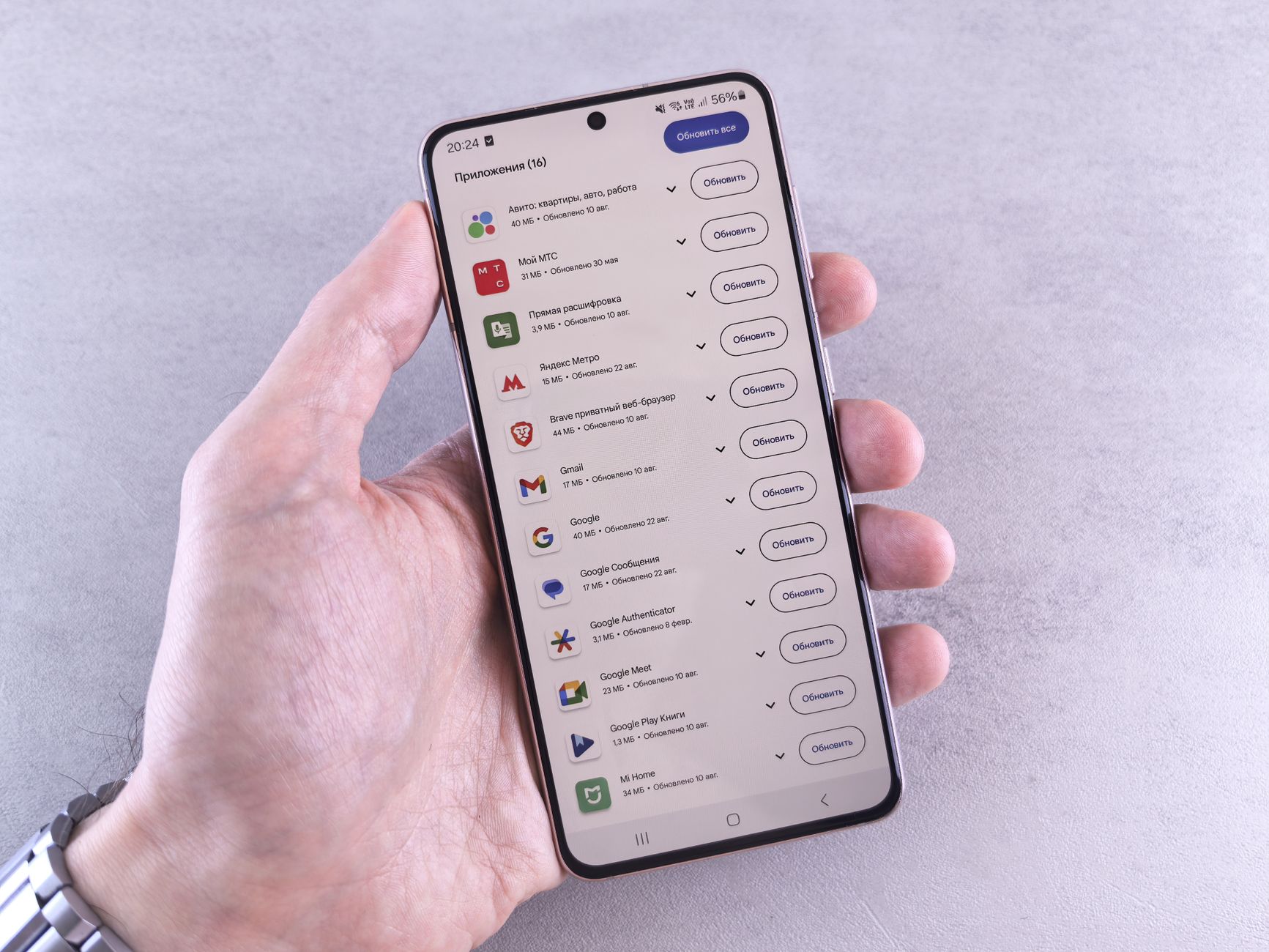
The self-hosted app updater offers Android users a unique way to manage their applications independently. This innovative approach allows you to bypass the Play Store and gain more control over your app updates.
Understanding Self-hosted App Updaters
In recent years, the concept of a self-hosted app updater has gained traction among Android developers and enthusiasts. This alternative to traditional app distribution methods, such as the Play Store, offers users greater control over their applications and updates.
Understanding the underlying mechanics of self-hosted app updaters can empower developers to create a more streamlined updating process. Here are some key aspects to consider:
- Control: Developers can host their applications on personal servers, allowing them to manage updates directly without relying on third-party platforms.
- Customization: A self-hosted app updater can be tailored to fit specific needs, enabling developers to implement unique features or update mechanisms that align with their application.
- Privacy: Users who prefer to keep their data private may find self-hosted solutions more appealing, as they often limit data sharing with external services.
- Simplicity: For developers looking to simplify the update process, self-hosted app updaters can provide a straightforward method for distributing updates without complicated procedures.
By leveraging a self-hosted app updater, developers not only enhance the user experience but also foster a more independent approach to app management. This shift can prove beneficial in a landscape where privacy and customization are increasingly valued.
Benefits of Using a Self-hosted Updater
Using a self-hosted app updater provides several advantages for Android users looking to maintain control over their application management. One of the primary benefits is increased security. By hosting updates on your own server, you minimize the risk of malicious software that can come from third-party sources or even compromised app stores.
Another significant benefit is the customization of your update process. With a self-hosted app updater, users can tailor the update frequency, size, and even the specific versions of apps they wish to distribute. This level of control is particularly beneficial for developers and organizations that require specific app configurations for their operations.
Additionally, a self-hosted updater can lead to reduced costs associated with bandwidth and hosting fees. Since users can manage their own server, they can optimize resources according to their specific needs, potentially saving money in the long run.
Furthermore, a self-hosted app updater allows users to bypass restrictions imposed by app stores, enabling the installation of applications that are otherwise unavailable or restricted. This freedom can be particularly valuable for users in regions with limited access to certain apps.
In summary, utilizing a self-hosted app updater not only enhances security and customization but also provides economic advantages and greater flexibility in app management.
How to Set Up Your Own App Updater
Setting up your own self-hosted app updater on Android can be a straightforward process if you follow these steps carefully. First, ensure that you have a web server ready to host your application files. This could be a local server or a cloud-based option depending on your needs.
Next, you will need to create an APK file for your app. This file contains the compiled code and resources necessary for your application to run. Use Android Studio or any other development tool of your choice to build and generate the APK.
After obtaining the APK, upload it to your web server. It is crucial to have a specific directory for your APK files to keep things organized. Additionally, create a metadata file (often in JSON format) that includes important information about your app, such as:
- Version Number: Indicate the current version of your app.
- Download URL: Provide the link to the hosted APK file.
- Changelog: Optionally include a summary of new features or bug fixes in the latest release.
Once your APK and metadata are in place, configure your app to check the server for updates. Utilize libraries like Retrofit or Volley for network requests, allowing your app to compare the installed version with the latest version on the server. This setup ensures users can easily update to the latest version without relying on the Play Store.
Comparing Self-hosted Updaters to Play Store
When considering the best options for managing app updates on Android devices, it’s essential to compare self-hosted app updaters to the traditional Play Store. Each method has its merits and drawbacks that can significantly impact user experience and control over app versions.
- Control and Customization: Self-hosted app updaters offer unparalleled control over the update process. Developers can customize the update frequency and manage the rollout of new features without waiting for approvals from the Play Store.
- Privacy and Security: With a self-hosted updater, users have direct access to the source of their app updates. This reduces the risk of malicious interference that can occur with third-party app stores or even the Play Store, where apps are subject to various external influences.
- Availability of Updates: Self-hosted app updaters can provide updates immediately after they are ready, whereas the Play Store may have delays due to their review processes. This ensures that users have access to the latest features and security patches without unnecessary wait times.
- Dependency on Internet Connection: While the Play Store requires a stable internet connection to download updates, a self-hosted app updater can be set up to work offline, allowing users to install updates at their convenience.
In conclusion, while the Play Store offers convenience, a self-hosted app updater provides greater flexibility and control, catering to users who prioritize customization and security.
Common Challenges with Self-hosted Solutions
While self-hosted app updaters offer numerous advantages, they come with their own set of challenges that users should be aware of. Understanding these hurdles is essential for anyone considering this solution.
- Technical Expertise Required: Setting up a self-hosted app updater often demands a certain level of technical knowledge. Users must be comfortable with server management, coding, and troubleshooting issues that may arise during installation or operation.
- Maintenance and Updates: Unlike platforms like the Play Store, where updates are managed automatically, self-hosted solutions require ongoing maintenance. Users must ensure that their servers are updated and secure to protect against vulnerabilities.
- Compatibility Issues: Some apps may not function correctly with self-hosted updates due to compatibility issues. Users will need to test their applications thoroughly to ensure smooth operation across different devices and Android versions.
- Limited User Support: With traditional app stores, users have access to extensive support resources. In contrast, self-hosted app updaters may lack comprehensive support, leaving users to rely on community forums or documentation.
- Data Security: Managing user data securely is a critical concern. Self-hosted solutions must implement robust security measures to protect sensitive information from potential breaches.
Despite these challenges, many users find that the benefits of a self-hosted app updater outweigh the difficulties when implemented correctly.
User Experiences with Self-hosted Updaters
User experiences with self-hosted app updaters have been diverse and insightful, highlighting both the advantages and drawbacks of this approach. Many users appreciate the control and customization that a self-hosted app updater provides, allowing them to manage app versions without relying on external platforms.
Some users shared their positive experiences, emphasizing the following points:
- Flexibility: Self-hosted app updaters allow for tailored updates, enabling developers to prioritize features and fixes based on user feedback.
- Privacy: Users feel more secure knowing their app data does not need to go through third-party services, reducing potential privacy risks.
- Independence: Developers can bypass restrictions imposed by app stores, providing users with a wider range of applications.
However, there are challenges. Some users reported:
- Technical Issues: Setting up a self-hosted updater can be complicated, requiring technical knowledge that may not be accessible to all.
- Update Management: Users sometimes find it difficult to keep track of updates and ensure they are using the latest versions of their apps.
- Compatibility: Certain apps may not function optimally when updated outside the official channels, leading to performance issues.
Overall, while self-hosted app updaters offer significant benefits, users must weigh these against the potential technical hurdles.
Future of App Management on Android
The future of app management on Android is poised for significant transformation, especially with the growing interest in self-hosted app updaters. As users become more aware of their privacy and the limitations of traditional app distribution methods, the appeal of self-hosted solutions is only expected to increase.
With advancements in technology, developers are likely to create more user-friendly interfaces for these self-hosted app updaters. This could lead to an easier setup and maintenance process, encouraging a broader audience to explore these alternatives. The shift towards decentralization may empower users, giving them more control over their app ecosystems and reducing reliance on centralized app stores.
Moreover, as open-source software gains traction, many developers will leverage self-hosted app updaters to distribute their applications without the constraints imposed by platforms like the Google Play Store. This decentralization not only fosters innovation but also encourages collaboration among developers, leading to a more vibrant ecosystem.
However, the future also presents challenges. Ensuring security and trust remains paramount, as users must feel confident in the self-hosted solutions they adopt. As the landscape evolves, ongoing improvements in security protocols and user education will be critical.
In conclusion, the future of app management on Android, driven by self-hosted app updaters, promises to enhance user experience while fostering a more open and secure application ecosystem.
Implementing a self-hosted app updater can significantly streamline the process of managing app updates for your Android applications. In this guide, we will explore the essential steps to set up a self-hosted app updater effectively.
Photo by Andrey Matveev on Pexels
Read the original
Related stories
OBRIA NANO Satellite: Is it the Best Space Innovation Yet? · Yaogan-51 satellite launch: Best Proven Space Mission · Ocarina of Time Remake: Is It the Best Upgrade Ever?