



One UI 9 update is now available for four Galaxy A-Series phones, delivering exciting new features and improvements to users.
What’s New in One UI 9 Update?
The One UI 9 update introduces a range of smart improvements designed to enhance the user experience for Galaxy A-Series phone owners. Samsung has focused on refining usability and performance, ensuring that users can enjoy a seamless interface.
Among the notable features included in this update are:
- Enhanced User Interface: The update provides a more intuitive layout, making navigation smoother and more efficient.
- Improved Notifications: Users will benefit from an upgraded notification system, allowing for better organization and prioritization of alerts.
- New Customization Options: One UI 9 allows for greater personalization, enabling users to tailor their devices to fit their style.
- Performance Optimizations: The update includes various enhancements that improve overall device speed and responsiveness.
- Updated Security Features: With the latest security patches, users can enjoy peace of mind knowing their devices are protected against potential threats.
These enhancements reflect Samsung’s commitment to providing its customers with a top-tier experience. As users begin to download and install the One UI 9 update, they can expect their Galaxy A-Series devices to feel more capable and user-friendly than ever before.
How to Install One UI 9 on Your Device
If you own a Galaxy A-Series phone and want to experience the latest features from the One UI 9 update, installing it on your device is a straightforward process. Follow these steps to ensure a smooth installation.
- Check Compatibility: First, confirm that your specific Galaxy A-Series model is eligible for the One UI 9 update. You can find this information on Samsung’s official website or through your device settings.
- Backup Your Data: Before proceeding with the installation, it’s essential to back up your important files, photos, and apps. You can use Samsung Cloud or other backup solutions available on your device.
- Connect to Wi-Fi: Ensure your device is connected to a stable Wi-Fi network. This will prevent excessive data usage and ensure a faster download.
- Check for Updates: Go to Settings > Software update > Download and install. Your device will check for the availability of the One UI 9 update.
- Download and Install: If the update is available, follow the on-screen instructions to download and install it. Make sure your device is charged or plugged in during the process.
After the installation is complete, your Galaxy A-Series phone will reboot, and you can start exploring the benefits of the One UI 9 update.
Benefits of the One UI 9 Update
The recent One UI 9 update brings a variety of enhancements specifically designed to improve user experience on Galaxy A-Series devices. Users can look forward to several key benefits that elevate both functionality and aesthetics.
- Improved Performance: The update optimizes system resources, resulting in smoother operation and faster app launches.
- Enhanced User Interface: With a refreshed design, the interface feels more modern and intuitive, making navigation easier and more enjoyable.
- Advanced Customization Options: Users can now personalize their devices with new themes, icons, and widgets, allowing for a more tailored experience.
- Better Battery Management: The update introduces smarter power-saving features that extend battery life, ensuring your device lasts longer throughout the day.
- Enhanced Security: Enhanced privacy controls and security features are included to protect user data and provide a safer mobile experience.
In summary, the One UI 9 update not only enhances the overall user interface but also introduces significant improvements in performance and security. Galaxy A-Series users can expect a more efficient and enjoyable experience as they update their devices to the latest software.
User Reactions to One UI 9
As the One UI 9 update begins to reach users, reactions have been pouring in from Galaxy A-Series owners. Many users are excited about the new features and improvements that enhance their daily experience.
Positive feedback highlights:
- Enhanced Performance: Users have reported smoother navigation and quicker app launches, making multitasking more efficient.
- Visual Changes: The updated user interface has received praise for its modern design and improved accessibility options.
- Camera Features: Photographers are thrilled with the new camera modes that allow for greater creativity in capturing images.
However, some users have expressed concerns regarding the One UI 9 update:
- Battery Life: A few users noted that their devices have experienced decreased battery performance since the update.
- Compatibility Issues: Some apps have encountered glitches or crashes, leading to frustration among users who rely on them.
Despite these mixed reviews, the overall sentiment leans towards positivity, as many Galaxy A-Series users appreciate the enhancements brought by the One UI 9 update. As more feedback is gathered, it will be interesting to see how Samsung addresses the concerns raised by its user community.
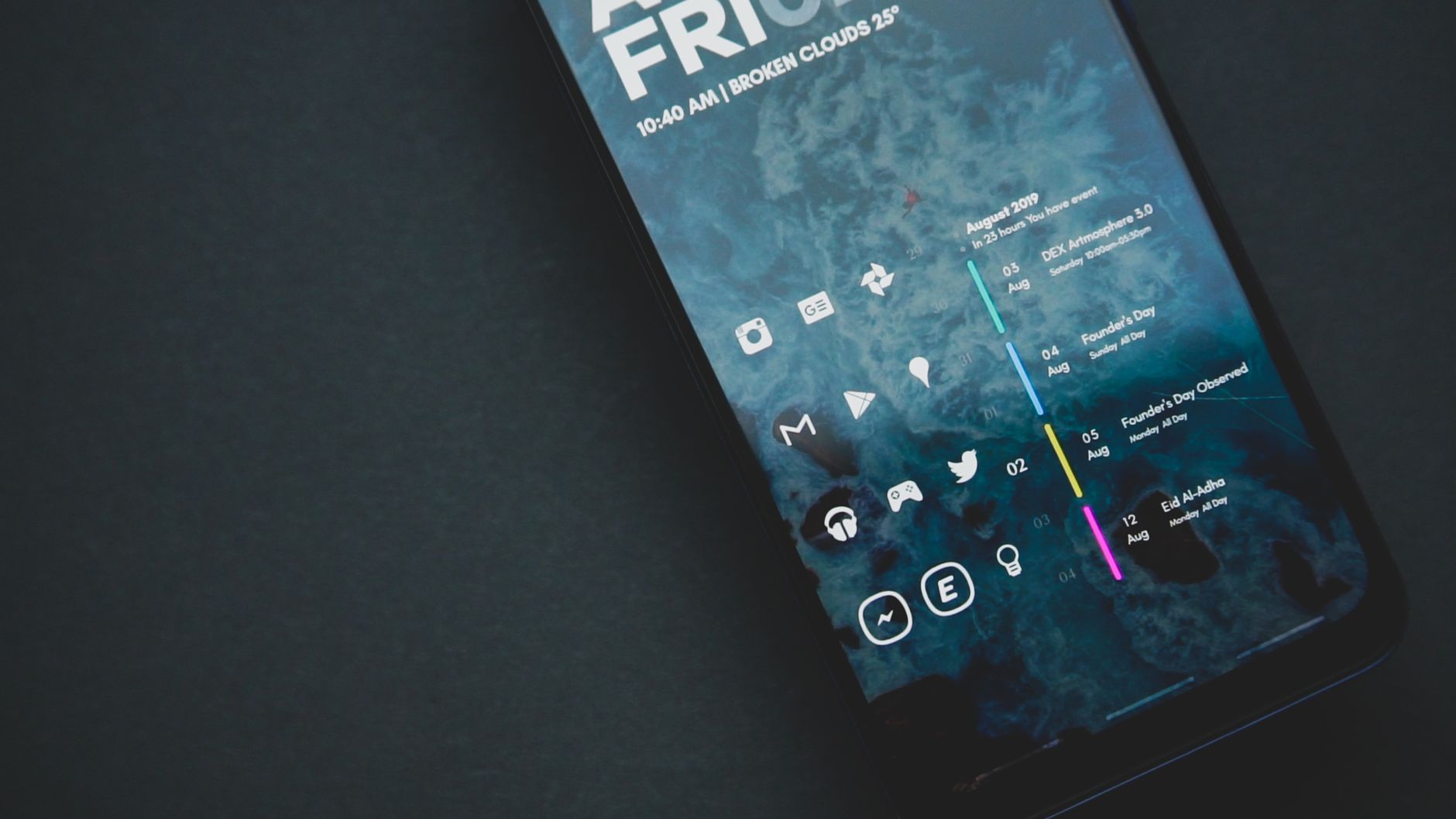
Photo by Emmanuel Jason Eliphalet on Pexels
Read the original
You might also like
NVIDIA RTX 50 Series Price Hike: The Worst Impact on Gamers · Skyroot US contract: Is it the Best Move for India? · MGOL ETF launch: Best way to invest in top tech firms